
Archive

Archive for the ‘Macintosh’ Category

A handful of OmniFocus items

July 24th, 2010 No comments

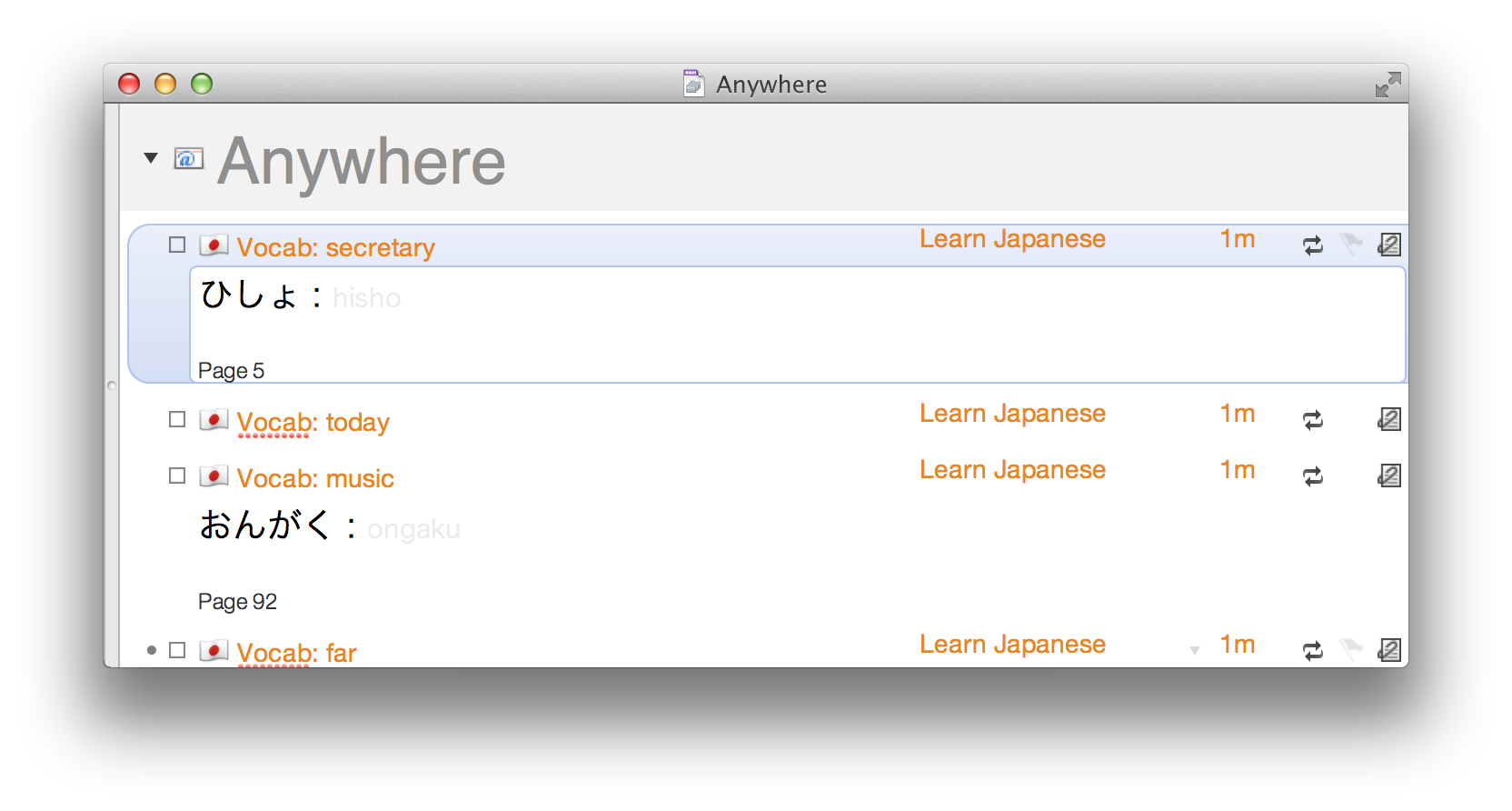
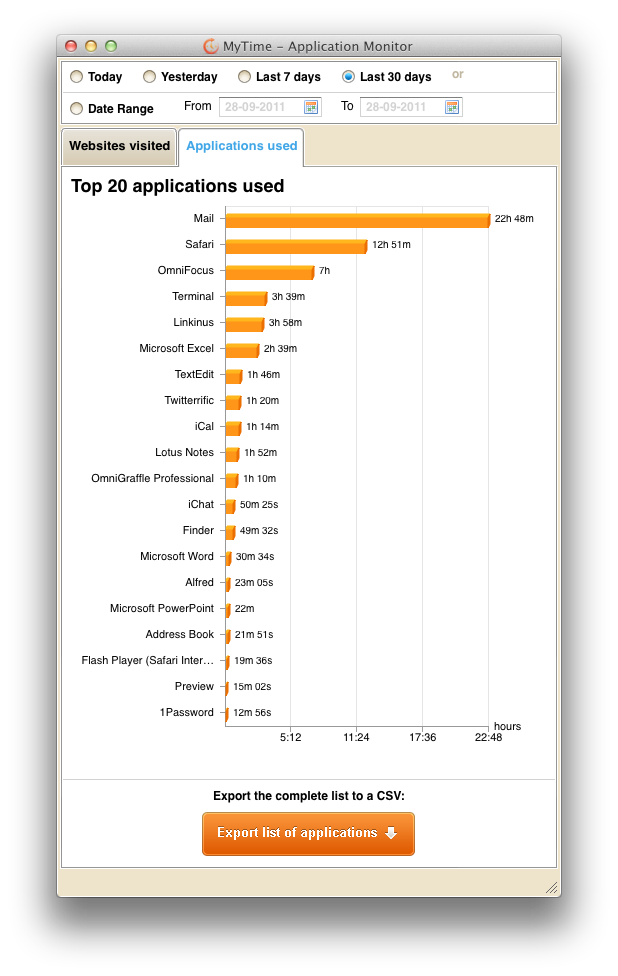
I’ve mentioned before how I use OmniFocus to manage everything in my life. It has been an essential tool for me for several years. So much so, I can’t say how excited I am about the pending iPad version which I believe will become very critical for keeping me sane. I check the App Store a couple times a day but so far, nuthin’.

If you’re not familiar with OmniFocus or David Allen‘s Getting Things Done methodology, please take the time to read ‘The Psychology of OmniFocus’ which is a better write-up than I would be able to put together on how GTD works and specifically

The last thought is that with this post (and the associated task ‘Write a blog post’), I will for the first time in longer than I can remember, be caught up with all of my overdue tasks. I’ve written about having challenges keeping up with tasks before and I have improved, but I seem forever behind. That’ll change when I wake up tomorrow and when I get to work on Monday, but if I can continue to keep due dates to a minimum, I may actually start getting to those things I’ve haven’t been able to get to. One can hope.

Categories: Geek, Links, Macintosh, Thoughts, Work Tags:

The obligatory retrospective

December 31st, 2009 No comments

A lot can change in ten years. Since it seems to be such the in thing, here’s my assessment of what difference ten years can make.

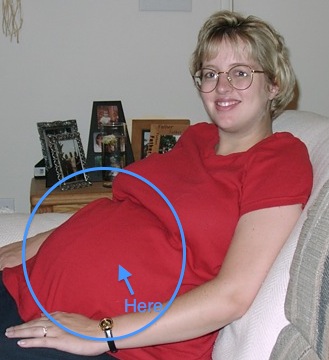
What Then Now
Computer

(my work computer)

Connection 56Kbps 20Mbps (366x faster)
Company

Position Systems Administrator Manager, Information Technology
Me
Becky
Kaelyn
Brian
Categories: Apple, Family, Geek, Macintosh, Work Tags:

MacBook Mini lives!

March 19th, 2009 No comments

I was happy to receive shipment confirmation on my Dell Mini 9 order on Thursday and it showed up Tuesday afternoon. After quickly archiving the SSD (I had considered evaluating the pre-installed Ubuntu Linux setup, but ‘eh, I’ve used Ubuntu before), I proceeded to install OS X Leopard (10.5).

My initial attempt didn’t work directly off of the install DVD (the easy way) so I had to resort to the more mucky copy-install-DVD-to-external-drive solution. On the plus side, the install proceeded fairly quickly as it was not hampered by the slowness of installing from DVD.

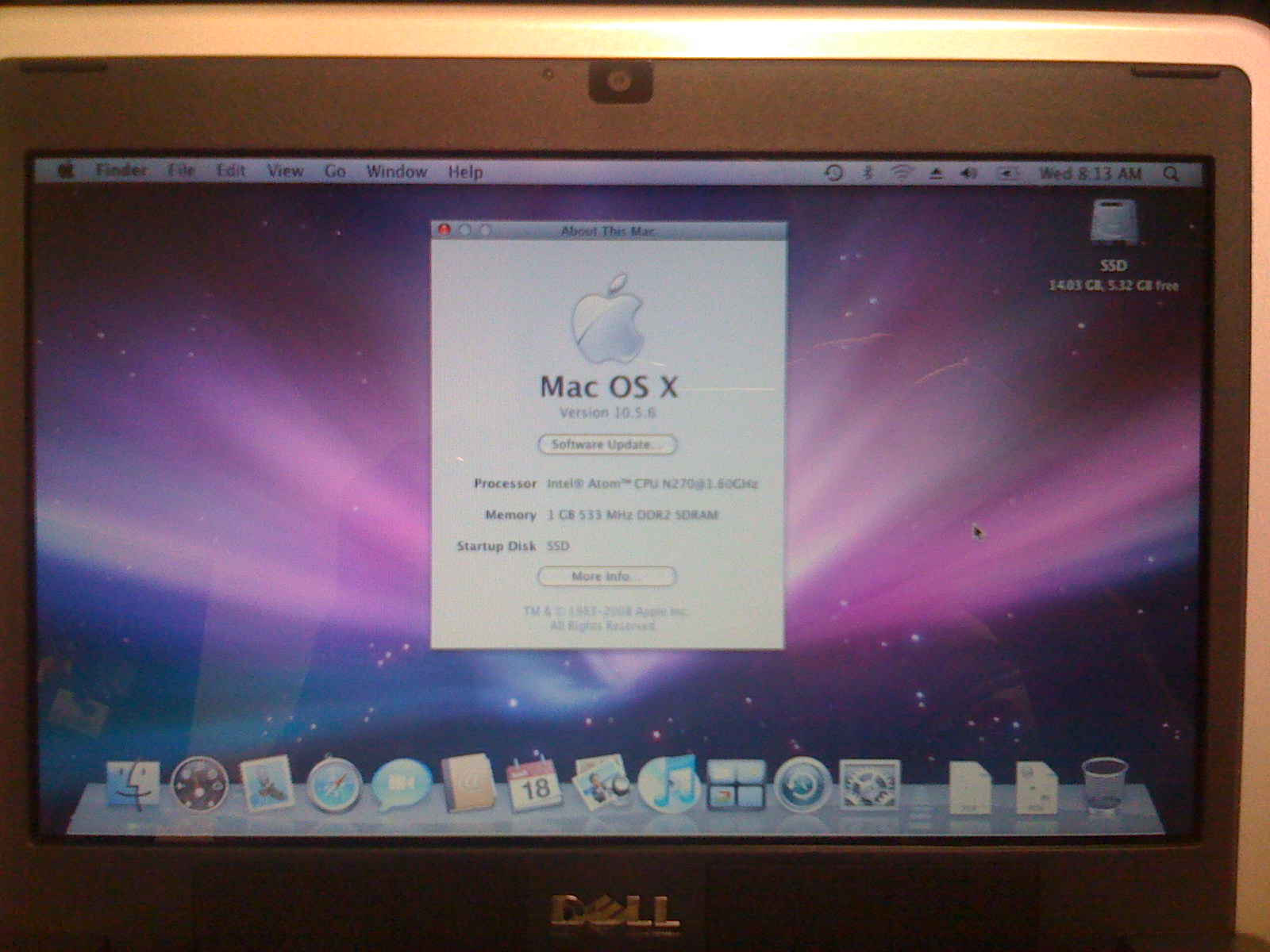
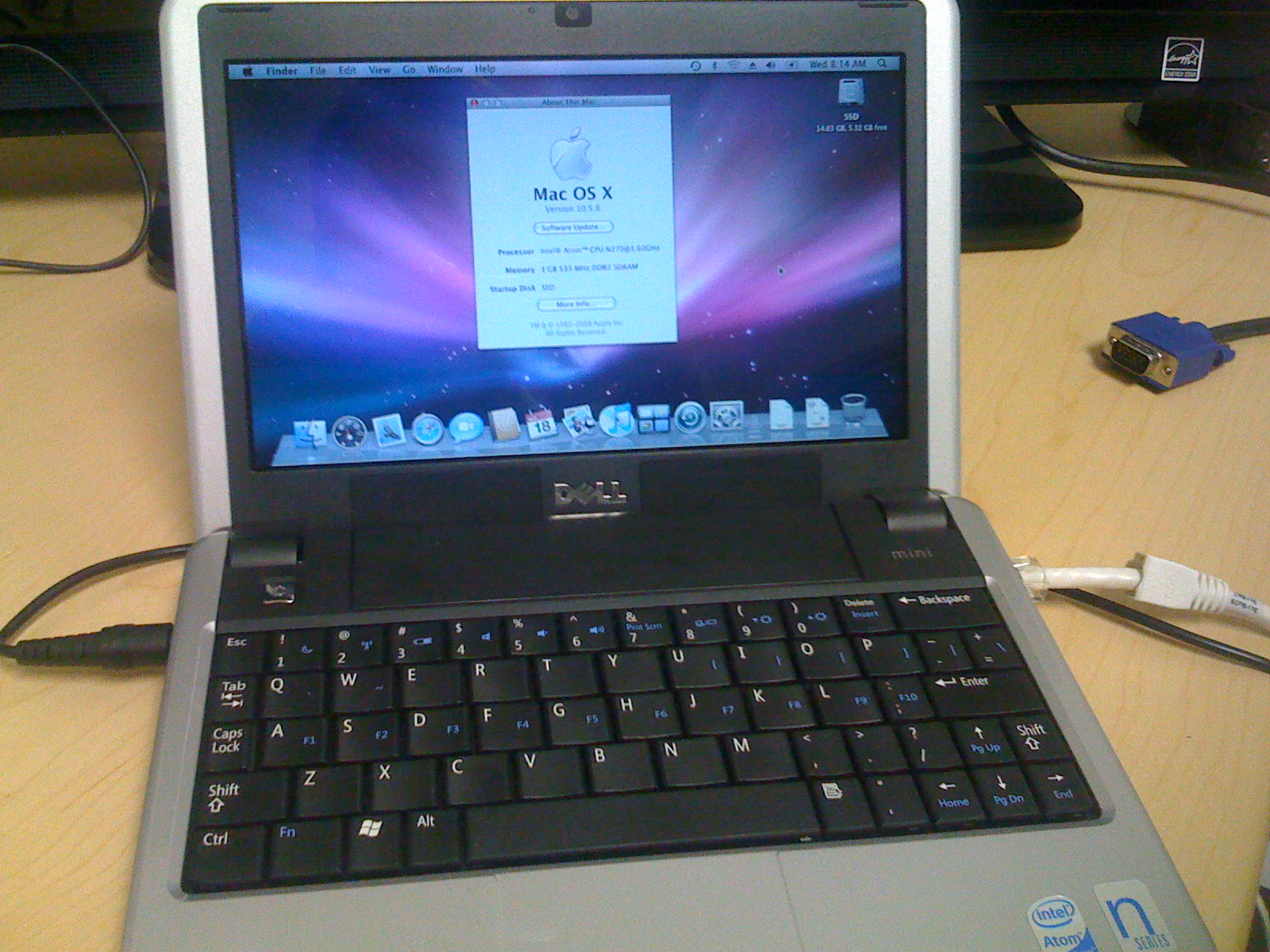
After a few reboots and updates, I now have this:

I must say that it is the cutest and coolest little laptop that I’ve used in a while. I’ve been able to install the apps I want to use (Firefox, OmniFocus, 1Password, iStat Menus, Growl, and Adium) as well as the VPN software for work so I can respond to any issue that might come up. After purging items mentioned in my last post, I have 4.5G free on the 16G SSD (formats to 14.03G).

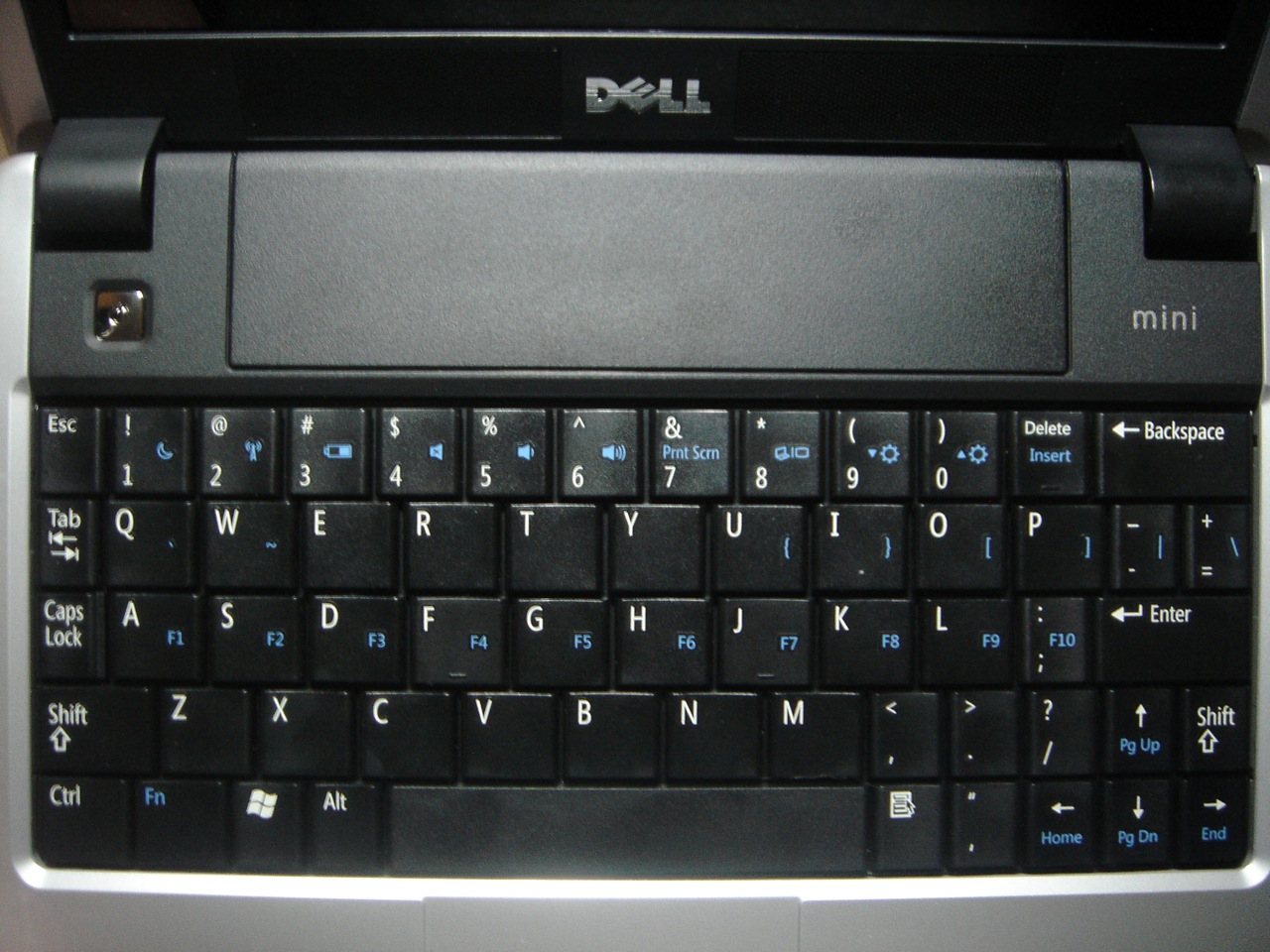
It isn’t all paradise, however. Getting used to the keyboard is proving challenging. Not surprisingly, the keys are about 80% normal size, but I can live with that. The part that’s really strange is that the ‘/” key which is normally to the right of ;/: is now below ./> but the really annoying thing is the right shift key is half size right next to the up arrow. More often than not I end up moving the cursor up a line whenever I try to capitalize something.

While I will opt for my work MacBook or the family MacBook Pro for anything really serious, the Mini 9 is a great little “goof around” Mac that Apple never made. After our budget digests the purchase in a month or two, I’ll pick up a 2G DIMM as I’m noticing the slowdown of OS X on 1G. I’ll also get a 8G SDHC Flash card for scratch and I’ll be ready for anything.

Categories: Geek, Links, Macintosh, Thoughts, Work Tags:

Getting ready for my MacBook Mini

March 13th, 2009 1 comment

While I wait for Dell to ship my Dell Mini 9, I did the only thing I can do: pretend. Borrowing an idle Mac Mini, I installed, updated, and trimmed OS X to see how much breathing room I’ll have on the 16G SSD. I’ll put my process here for my own reference when I do it again for real but also for anyone who might come by and is curious.

  1. Formatted SSD as 16G HFS+ partition. I’m not sure what the actual size of the SSD will be (I’ve heard ~13G usable)
  2. Installed 10.5.4 with everything option turned off
  3. Did initial set-up and let Spotlight build initial search index
    7.92G Used, 8.08G Free
  4. Installed available updates:
    • Remote Desktop Client Update 3.2.2
    • QuickTime 7.6
    • iTunes 8.1
    • Java For Mac OS X 10.5 Update 2 1.0
    • Mac OS X Update Combined 10.5.6

    Reboot: 7.23G Used, 8.77G Free

  5. Installed Firefox 3.0
  6. Using AppZapper (running from a flash drive), I deleted the following apps:
    • Automator
    • Chess
    • DVD Player
    • Font Book
    • iSync
    • AirPort Utility
    • Audio MIDI Setup
    • Boot Camp Assistant
    • ColorSync Utility
    • Migration Assistant
    • ODBC Administrator
    • Podcast Capture
    • RAID Utility
    • Remote Install Mac OS X
    • VoiceOver Utility

    7.15G Used, 8.85G Free

  7. Installed available updates:
    • iLife Support
    • AirPort Client Update 2009-001 1.0
    • Front Row Update 2.1.7
    • Safari 3.2.1
    • Java for Mac OS X 10.5 Update 3 1.0
    • Security Update 2009-001

    Reboot: 7.6G Used, 8.4G Free

  8. Ran Monolingual and removed all languages except English and English (United States)
    Reboot: 6.09G Used, 9.91G Free
  9. Ran Monolingual and removed all Input Menu languages
    6.04G Used, 9.96G Free
  10. Using Monolingual removed all architectures other than Intel
    Reboot: 5.97G Used, 10.03 G Free

Of course, I can dig through /System and /Library to find others but I don’t think the gain would be great and I’m happy with having 8-10G free considering I can easily get a 8G SD flash card for additional storage.

Categories: Geek, Macintosh Tags:

A new toy for my birthday

March 1st, 2009 No comments

If you follow me on Twitter or read my previous Twitter posts, you saw that yesterday we decided that we could afford to buy a Dell Mini 9 for my birthday. I’m kinda excited as I’ve been wanting a netbook for a bit and the Dell is able to run OS X with no significant compromises (aka Hacintosh). Since I think it will be a bit before Apple decides to play in the netbook arena (if ever) and, if they do, will not be likely targeting sub-$400, this will be the best way to get a mini Mac laptop on the cheap.

Of course, the challenge of getting OS X running will be fun in-and-of-itself. Will it be the perfect laptop? No. I know the screen is small, keyboard cramped, and the processor is on the modest side, but I will be able to carry it almost anywhere and will have a full browser, mail, and programs with me. With the SSD disk, it should be silent, too, which is nice.

I’ll be ordering it tomorrow morning and while it won’t make it in time for my 40th birthday on Wednesday, it will hopefully be in before too long. I’ll let you know how it goes and what the experience is like.

Categories: Apple, Geek, Links, Macintosh Tags:

A nice addition to my home theater

November 28th, 2008 No comments

A friend at work that knows that I have a Mac-based home theater, offered an invite to the in-development software/service, Boxee. It is a very well-designed piece of software currently for OS X and Linux that presents not only your own library of music, videos, and pictures, but also can present web services like Hulu, YouTube, Flickr, Last.fm, and others. Hopefully, it’ll add support for EyeTV so I can watch recorded shows in the same interface.


quick intro to boxee from boxee on Vimeo.

While it is considered alpha, the amount of function and polish is quite significant. There’s social aspects like seeing the things your friends have listened to or watched. The service is invite only currently, so if you’re interested, please let me know.

Categories: Geek, Links, Macintosh, Work Tags:

For Sale: Storage Robot (Drobo)

November 18th, 2008 7 comments

Over the summer I purchased a Drobo “storage robot” from Data Robotics for my home server/media center. It is a four-bay USB storage device that accepts any number and combination of SATA drives to build a larger virtual volume which can be used on either OS X or Windows. I intended to write about my experiences (receiving it the day before they upgraded the product, a bad first unit, some early driver bugs, etc.) but never got around to it.

In spite of some of my earliest experiences I am quite a fan of the device and have not regretted the purchase (only the timing). It is a flexible and well-performing method for keeping my pile of data safe with plenty of elbow room.

Why am I selling it you ask? The truth is, I’m not a typical user. The system it is attached to serves numerous roles. It is the server for our peay.us domain (web, mail, DNS, etc.) and also the home media server (iTunes, iPhoto, file server, and El Gato EyeTV DVR). The end result of all of this disk I/O is that when EyeTV is recording a show from the USB TV tuner and writing to the USB storage while other disk activity is going on (home directory syncing or Time Machine backup), it will often skip frames. That makes for a very annoying viewing experience. If the disk is idle and just recording there isn’t a problem and recent firmware updates for the device have helped considerably, but the fact remains I’m expecting server storage performance from a device that was not really designed or intended for such use.

As a result, I decided to purchase a gen 2 Drobo which adds a FireWire interface. Having a dedicated bus for storage will alleviate the problems I’ve been experiencing. Of course, if I had just waited a week before purchasing the original unit, I wouldn’t have had to do this.

To keep our budget in check, I am selling the original one to recoup some of the cost of upgrading it. That means you get to benefit from my bad timing. If you are interested in purchasing it (you’ll have to supply one or more of your own drives), make me an offer. I’d prefer to keep it among my “friends” and family to avoid hassling with eBay or craigslist but am motivated and will sell it one way or another.

Categories: Family, Friends, Geek, Links, Macintosh, Thoughts Tags:

I need more Time (Machine)

September 6th, 2008 No comments

This is a continuation of an earlier post I did on Time Machine. While investigating all the many Time Machine features and issues, I discovered a nice add-on tool called tms. It currently is in beta and only exists as a command-line tool. It interacts with the Time Machine database on the Time Machine destination (physical disk or network) and provides some very useful information:

snapshots – List the snapshots present on the destination

$ tms snapshots
/Volumes/Backup1/Backups.backupdb/media/2008-09-06-193341: num=5760 state=4 type=2 ver=1 start=2008-09-06-19:22:21.618534 complete=2008-09-06-19:33:41.893965
/Volumes/Backup1/Backups.backupdb/media/2008-09-06-153237: num=5759 state=4 type=2 ver=1 start=2008-09-06-15:16:21.145156 complete=2008-09-06-15:32:37.095843
/Volumes/Backup1/Backups.backupdb/media/2008-09-06-113449: num=5758 state=4 type=2 ver=1 start=2008-09-06-11:17:09.578714 complete=2008-09-06-11:34:49.347916
{snip}

snaplog – List all the log detail for the latest (or specified) backup. I won’t paste it here as it is very verbose and quite informative.

log – List the revisions of a particular file

$ tms log wp_ozh_adminmenu.php
/Volumes/Backup1/Backups.backupdb/media/2008-02-28-002700/path/to/wp_ozh_adminmenu.php: num=2658 oldest=2008-02-24-22:18:09 newest=2008-04-18-22:56:42
/Volumes/Backup1/Backups.backupdb/media/2008-05-27-004103/path/to/wp_ozh_adminmenu.php: num=4630 oldest=2008-05-26-00:23:11 newest=Current

delta – List the differences between two backups

$ tms delta 5760 5759
delta: 5760 vs 5759
/Volumes/MediaHD/.DS_Store: !=
/Volumes/MediaHD/private/var/amavis/tmp/amavis-20080906T154248-92402: ->
/Volumes/MediaHD/private/var/amavis/tmp/amavis-20080906T130623-87446: <-
/Volumes/MediaHD/Library/Preferences/com.apple.iPod.plist: !=
/Volumes/MediaHD/Library/Preferences/com.apple.SoftwareUpdate.plist: !=
{snip again}

For the notation at the end of the line, != means the file is in both backups but are different (e.g., it changed), <- means the file is in the later backup but not in the earlier, and -> means the file is in the earlier but not later.

diff – Display the differences between two backups of a file using the diff command. For some reason, this doesn’t work for me.

I’ve used tms to help isolate what is being backed up and since I am running Leopard Server, there are many changing files that I have excluded which has reduced the amount of data being backed up.

Categories: Links, Macintosh Tags:

I’m glad I could help, Jason

March 14th, 2008 No comments

Jason O’Grady is a tech columnist, blogger, and podcaster that I’ve been following for years (I think back to his MacWeek days). I was listening to his podcast a few weeks ago and he had mentioned having trouble finding a suitable media keyboard to use with a media center Mac. 

As I went through the same trouble with my setup and was very pleased with the Logitech MediaBoard Pro, I dropped him a quick note with my suggestion. After providing some additional information on how to re-map the modifier keys, he let me know today that he wrote the whole thing up for his Apple Core blog over at ZDNet. He was even kind enough to link back here.

In reading the comments on his post, one person complained that such a large keyboard would be lousy to use when watching a movie. That is a true statement which is why I use the bundled Apple Remote with RemoteBuddy by IOSPIRIT. That works much better when we watch shows in EyeTV.

Categories: Geek, Links, Macintosh Tags:

Macworld Expo, Day 2

January 16th, 2008 No comments

Today was all about the South hall. Obviously, Apple’s booth was the largest and in the middle of the floor. Most people were interested in fondling the MacBook Air but the other products got plenty of interest as well. They were smart to have empty MBA shells at the sides of the booth so people could marvel at the new design. Time will tell how durable it is as the form certainly makes you want to slip it in a backpack or bag. The recessed USB ports look cool, but I’m sure owners are going to have to carry a USB extension for those things that won’t fit.

The coolest product I saw was Eye-Fi which is a 2G SD memory card that also has WiFi circuitry that is independent of the camera. In practice, it allows you to take a picture and have it automatically upload it to your computer (in local mode) or to Flick via their servers. If there isn’t a known network available, it stays on the card just like normal. I asked if they were thinking about a MemoryStick version and he said they are talking to Sony but it’s too early to know. I hope they do.

I also talked with the Omni Group booth about their new OmniFocus which I’ve been using for a bit. I wanted to make sure I was using it properly as I started while it was in public beta and developed habits before some features were implemented.

The funniest thing was the fact there were iPod/iPhone case vendors everywhere including two that were across the isle from each other (awkward). Becky‘s in the market for one so I’ll have to try and find out what she wants and see who has a good show special.

I’m very happy that El Gato released a new version of EyeTV. They addressed several complaints I had since switching from my MythTV last year. They add a smart listing (e.g., smart playlist) based on multiple categories and can optionally record any matching episode. They also improved the on-screen menu which will make it easier to use on our TV.

Categories: Apple, Family, Geek, Links, Macintosh Tags: